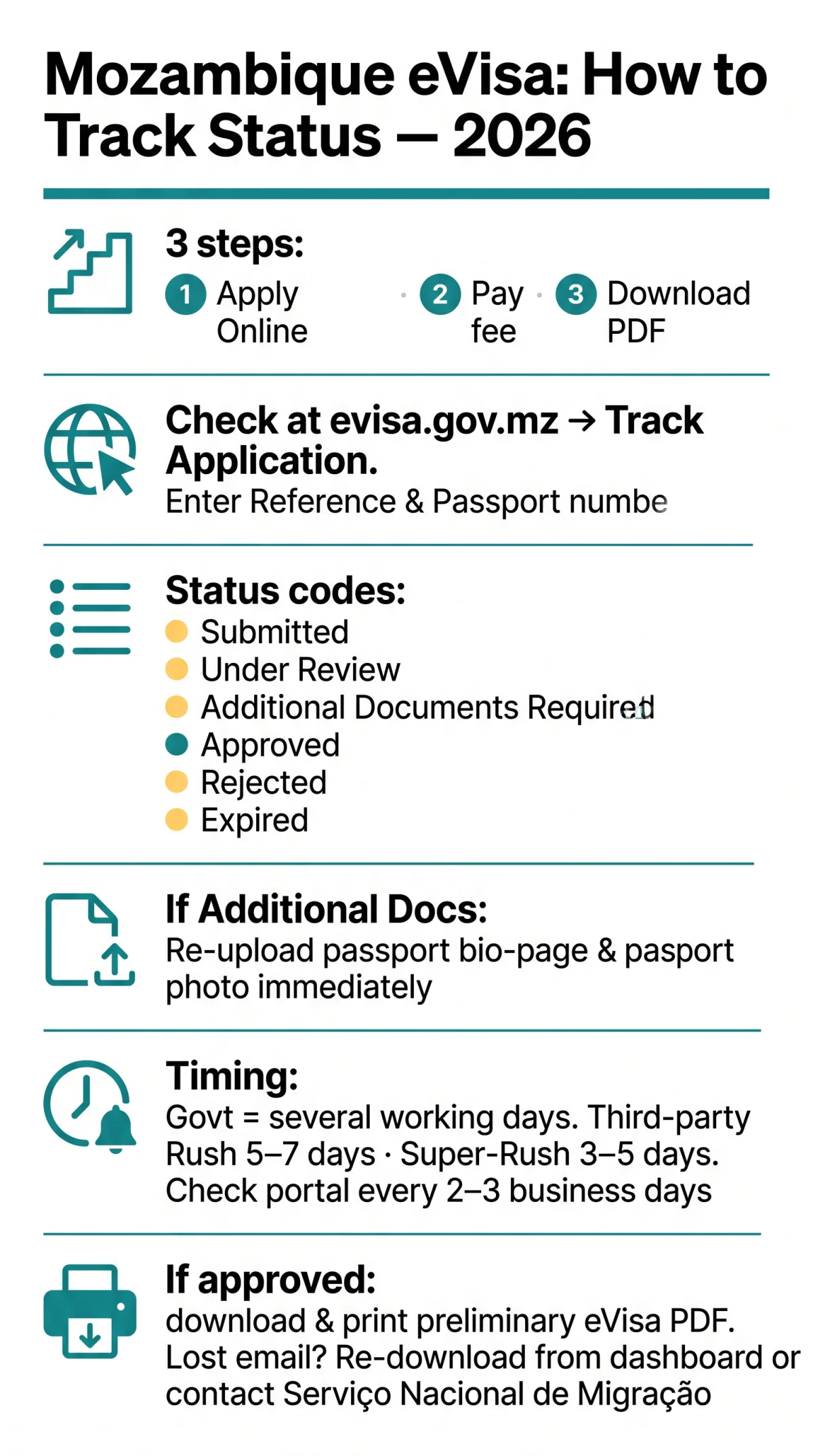
To check your Mozambique eVisa status, visit evisa.gov.mz and use the “Track Application” feature. Enter your application reference number and passport number to view your current status. Portal messages include “Submitted,” “Under Review,” “Approved,” and “Rejected” – each indicating a different stage of processing. Download and print your preliminary eVisa once approved.
Last reviewed: 11 September 2026. Visa rules change frequently – always verify with the official portal. This is an informational guide for UK tourists, not a government service. For UK government travel advice, see the FCDO travel guidance for Mozambique.
How to Track Your Mozambique eVisa Status Online
For any Mozambique eVisa check status query, enter your application reference number and passport number on evisa.gov.mz‘s “Track Application” feature to view your current visa status. The Mozambique eVisa process follows three steps: Apply Online, Pay the Fee, and Download & Print the preliminary eVisa PDF delivered via email. The same platform serves as both application and application tracking portal. UK travellers should confirm visa approval before booking flights or accommodation.
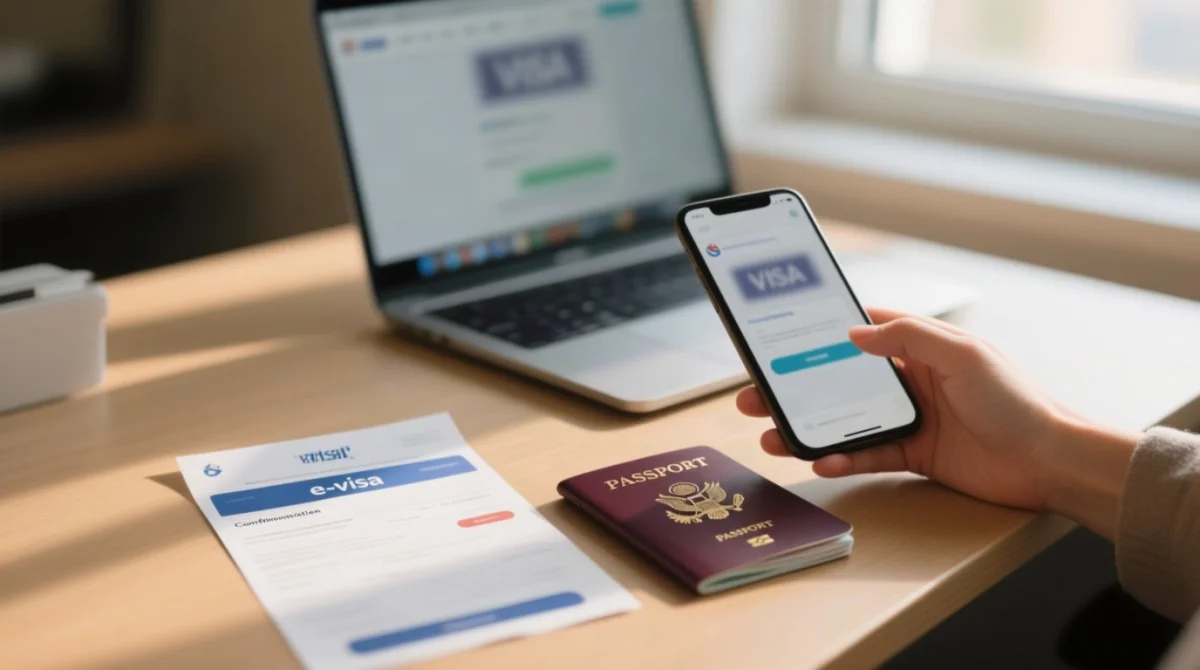
Step-by-Step Guide to Checking Status
Locate your reference number
Find your application reference number (Order ID) in the confirmation email subject line or PDF header. If lost, check your spam folder and search your inbox for “evisa.gov.mz”.
Prepare your passport number
Use the exact format from your application – no spaces, no dashes.
Submit on evisa.gov.mz
Navigate to evisa.gov.mz, click “Track Application”, enter both fields, and submit. No account login is required for guest lookup.
Government Portal vs Third-Party Tracking Services
evisa.gov.mz is the government portal; it tracks applications submitted there exclusively. Commercial intermediaries such as and maintain separate dashboards that track only their own submissions. Cross-tracking between platforms is not possible. If you applied on the government portal, use evisa.gov.mz; if you applied through an agency, use that agency’s dashboard.
Mozambique eVisa Status Messages Explained
The Mozambique eVisa check status tool on evisa.gov.mz displays six statuses – Submitted, Under Review, Additional Documents Required, Approved, Rejected, and Expired – each requiring a specific action. See the table below for the complete dictionary with Portuguese equivalents.
| Status (EN / PT) | What It Means | What To Do Next | Email Sent? |
|---|---|---|---|
| Submitted / Submetido | Application received; awaiting initial review | No action required – wait for status to advance | Yes – confirmation email |
| Under Review / Em Análise | Immigration officers are verifying your documents | No action required – do not re-submit | Not typically – check portal manually |
| Additional Documents Required | An uploaded document was rejected or is missing | Re-upload the requested document via the portal immediately | Yes |
| Approved / Aprovado | Visa granted | Download and print the preliminary eVisa PDF – carry it for boarding and arrival | Yes – approval email with PDF |
| Rejected / Recusado | Visa application denied | Review stated reason; reapply online or apply via nearest Mozambique embassy | Yes |
| Expired | Application window has lapsed | Re-apply from the start | No |
What to Do When Status Shows “Additional Documents Required”
Processing pauses until you re-upload the flagged file. Common documents include the passport bio-page scan (complete, clear, no errors) and the passport-size photograph (recently taken, neutral expression, no filters). Re-upload via evisa.gov.mz as soon as possible – the processing timer resumes only after resubmission.
What to Do When Status Shows “Rejected”
Common reasons include incomplete documents, eligibility issues, or passport validity under 6 months. Options: reapply online correcting the issue, or apply via the nearest Mozambique embassy. Citizens of Pakistan, Bangladesh, Ethiopia, Nigeria, Nepal, and Somalia cannot use the Mozambique eVisa portal at all and must always apply via embassy.
Mozambique eVisa Processing Times and Status Notifications
evisa.gov.mz publishes no fixed SLA; standard processing typically takes several working days, with no government-offered rush tiers available.
The “Submitted” status may remain unchanged for several days before advancing to “Under Review.” Third-party agencies (, ) offer Rush processing (5 to 7 working days) and Super-Rush processing (3 to 5 working days) as paid premium services – these do not exist on the government portal.
Email Notifications vs Manual Checking
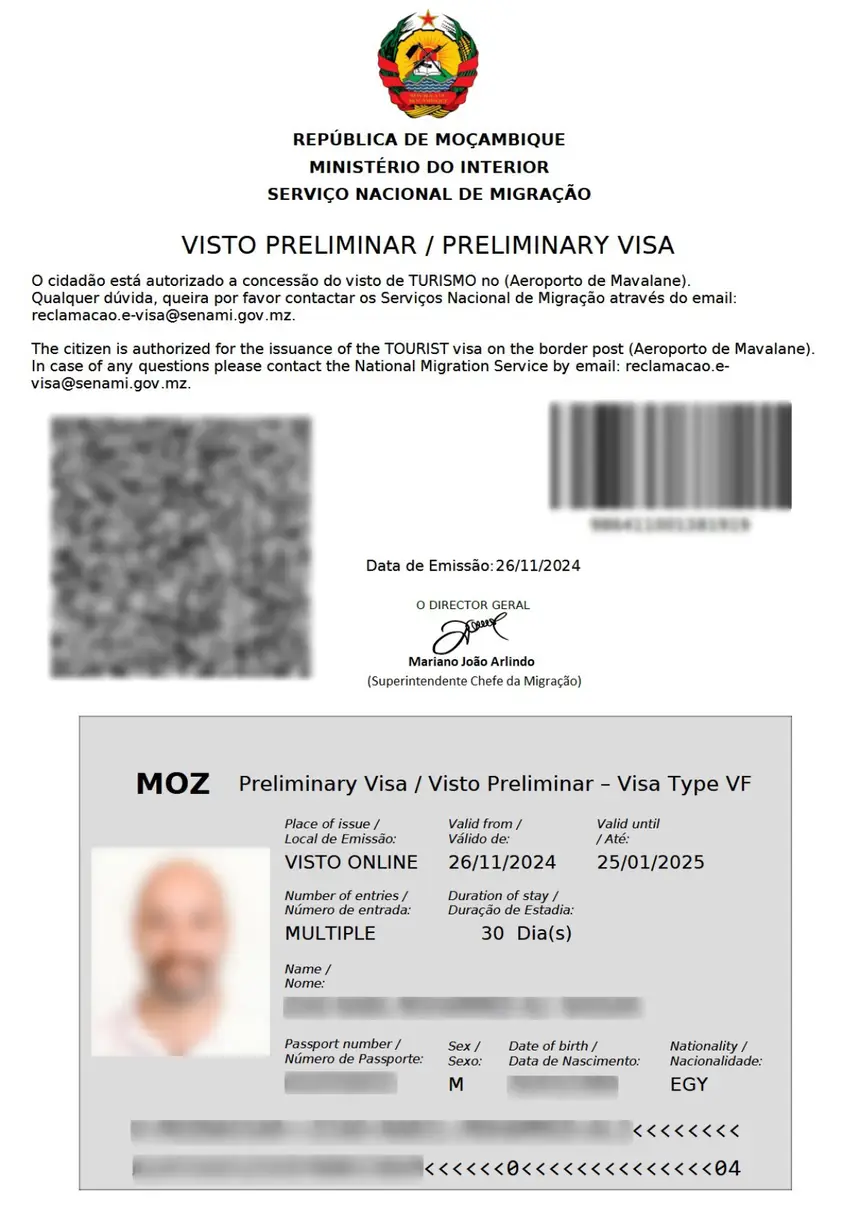
The Mozambique eVisa portal sends a confirmation email immediately after submission and an approval email with the preliminary eVisa PDF attached upon approval. Intermediate status changes, such as “Under Review,” do not consistently trigger email notifications. Check the portal manually every 2 to 3 business days to track intermediate progress. Always check spam folders for portal emails.
Lost Your Approval Email – How to Re-download Your eVisa
If the approval email is lost, log into evisa.gov.mz and re-download the preliminary eVisa PDF from the dashboard. If the dashboard download is unavailable, contact Serviço Nacional de Migração with your application reference number and passport number. Print the PDF and carry it for boarding and arrival in Mozambique.
Troubleshooting Mozambique eVisa Application Issues
“Application Not Found” errors typically result from typos in the reference number, wrong passport format, or a sync delay on the Mozambique eVisa portal.
Application Not Found – Causes and Fixes
- Typo in reference number: re-check the confirmation email or PDF header for the exact Order ID.
- Wrong passport format: enter the passport number with no spaces or dashes, matching the format used during application.
- Sync delay: wait 24 hours after submission before querying your Mozambique eVisa status.
- Wrong portal: applications submitted through a third-party agency cannot be tracked on evisa.gov.mz, and vice versa.
- Portal downtime: retry later if the site is under maintenance.
When to Contact Support and How
Contact support via evisa.gov.mz if your status remains unchanged for 10+ working days, the portal shows persistent errors, or you received approval but cannot download the PDF. Have your reference number, passport number, and application date ready. Citizens of excluded countries (Pakistan, Bangladesh, Ethiopia, Nigeria, Nepal, Somalia) should contact their nearest Mozambique embassy for status updates. Dual passport holders must enter the exact passport number used during the original application; a different number returns “Application Not Found.”
Frequently Asked Questions (FAQ)
Can I check my Mozambique eVisa status online?
Yes, visit evisa.gov.mz and use the “Track Application” feature with your reference number and passport number.
How can I check the status of my Mozambique eVisa application?
Navigate to evisa.gov.mz, click “Track Application”, enter your application reference number and passport number, then submit.
How can I check if my Mozambique visa is approved?
Look for the “Approved / Aprovado” status on the portal, then download and print the preliminary eVisa PDF from the approval email.
What does Under Review mean on the Mozambique eVisa portal?
Immigration officers at Serviço Nacional de Migração are actively verifying your documentation; no action is required.
How long does it take for a Mozambique eVisa to be approved?
The government portal has no fixed SLA; standard processing takes several working days, while third-party agencies offer Rush (5-7 days) and Super-Rush (3-5 days) as paid premiums.
What should I do if my Mozambique eVisa status shows Rejected?
Review the stated rejection reason, correct the issue, and either reapply online or apply via your nearest Mozambique embassy.
Do I need to print my Mozambique eVisa before travelling?
Yes, print the preliminary eVisa PDF sent by email upon approval and carry it for boarding and arrival in Mozambique.
Which countries are excluded from the Mozambique eVisa portal?
Citizens of Pakistan, Bangladesh, Ethiopia, Nigeria, Nepal, and Somalia cannot apply via the portal and must request their visa at the nearest embassy.
Can UK citizens use the Mozambique eVisa portal?
Yes, the UK is eligible for both the eVisa and eTA scheme, allowing stays up to 30 days for tourist or business purposes with all passport types.
What payment methods does the Mozambique eVisa portal accept?
The government portal at evisa.gov.mz accepts credit and debit card payments; third-party agencies may offer PayPal, cryptocurrency, or bank transfer.